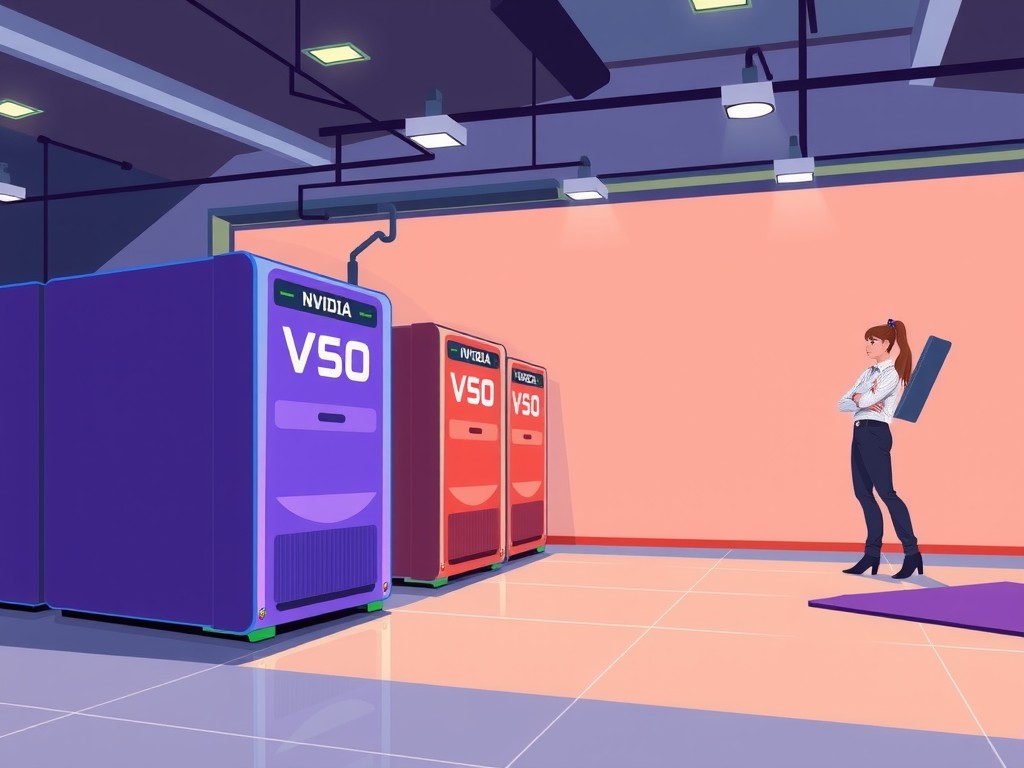
NVIDIA AI Server Setup Guide: Unlocking the Power of Artificial Intelligence
Introduction
In recent years, the field of artificial intelligence (AI) has experienced explosive growth, with applications in industries ranging from healthcare to finance, and from education to entertainment. As AI continues to advance, the need for powerful computing infrastructure has become increasingly pressing. This is where NVIDIA's AI servers come in, offering a robust and scalable solution for organizations looking to harness the power of AI. In this guide, we'll take a step-by-step approach to setting up an NVIDIA AI server, exploring the key concepts, practical implications, and real-world applications of these cutting-edge systems.
Key Concepts
Before diving into the setup process, it's essential to understand the underlying concepts and technologies that power NVIDIA AI servers. At its core, an AI server is a high-performance computing system designed to handle complex AI workloads, such as machine learning, deep learning, and natural language processing. These servers are typically built around NVIDIA's GPUs (Graphics Processing Units), which provide the necessary processing power and memory to handle demanding AI tasks.
NVIDIA's AI servers are based on the concept of datacenter-scale computing, where multiple servers are connected to form a large-scale computing cluster. This architecture allows organizations to scale their AI infrastructure as needed, processing large datasets and complex models with ease. Additionally, NVIDIA's AI servers are optimized for containerization, allowing developers to deploy and manage AI workloads efficiently.
Practical Implications
The practical implications of setting up an NVIDIA AI server are far-reaching, with potential applications in various industries. For instance, in the healthcare sector, AI servers can be used to analyze medical images, identify patterns, and make predictions about patient outcomes. In finance, AI servers can be used to analyze vast amounts of financial data, identifying trends and making predictions about market fluctuations.
In education, AI servers can be used to develop personalized learning systems, tailoring educational content to individual students' needs and abilities. In entertainment, AI servers can be used to generate realistic special effects, create immersive gaming experiences, and even develop new forms of interactive storytelling.
Hardware Requirements
Before setting up an NVIDIA AI server, it's essential to have the right hardware in place. This includes:
A compatible motherboard with support for NVIDIA's GPUs
One or more NVIDIA GPUs (depending on the desired level of performance)
A high-performance CPU (Central Processing Unit)
A robust power supply
A sufficient amount of RAM (Random Access Memory)
Storage solutions for data and software
It's also essential to ensure that the server is properly cooled, with adequate airflow and a reliable cooling system. This is critical, as NVIDIA's GPUs can generate significant heat during operation.
Software Requirements
Software Requirements
In addition to the necessary hardware, there are several software components required to set up an NVIDIA AI server. These include:
An operating system (OS) that supports NVIDIA's GPUs, such as Linux or Windows Server
NVIDIA's drivers and software development kits (SDKs) for the specific GPU model being used
A containerization platform, such as Docker, to manage AI workloads
A cloud management platform, such as Kubernetes, to orchestrate and manage the AI server cluster
AI frameworks and libraries, such as TensorFlow or PyTorch, to develop and deploy AI models
It's also essential to ensure that the software is properly configured and optimized for the specific AI workload being run. This may involve tweaking system settings, adjusting memory and CPU allocations, and fine-tuning the AI model itself.
How it Works in Practice
Let's take a concrete example to illustrate how an NVIDIA AI server works in practice. Suppose we're a healthcare organization looking to develop an AI-powered system for analyzing medical images. We've chosen to use NVIDIA's AI servers to handle the complex computations required by the AI model.
First, we set up the hardware and software components, including the motherboard, GPU, CPU, and storage solutions. We then install the necessary drivers and SDKs, as well as the containerization and cloud management platforms.
Next, we develop and train the AI model using a framework such as TensorFlow or PyTorch. This involves feeding the AI model large datasets of medical images, allowing it to learn patterns and relationships between the images.
Once the AI model is trained, we deploy it on the NVIDIA AI server using the containerization platform. The AI server then processes the medical images, applying the learned patterns and relationships to identify potential health issues.
The results are then displayed on a user interface, allowing healthcare professionals to review and analyze the findings. Throughout the process, the NVIDIA AI server handles the complex computations, freeing up human resources to focus on higher-level tasks.
Case Studies and Success Stories
NVIDIA's AI servers have been used in a wide range of applications, from healthcare to finance, and from education to entertainment. Here are a few case studies and success stories that illustrate the power of these systems:
In the healthcare sector, NVIDIA's AI servers are being used to develop AI-powered systems for analyzing medical images, identifying cancerous tumors, and predicting patient outcomes.
In finance, NVIDIA's AI servers are being used to develop AI-powered systems for analyzing financial data, identifying trends, and making predictions about market fluctuations.
In education, NVIDIA's AI servers are being used to develop personalized learning systems, tailoring educational content to individual students' needs and abilities.
In entertainment, NVIDIA's AI servers are being used to develop AI-powered systems for generating realistic special effects, creating immersive gaming experiences, and even developing new forms of interactive storytelling.
FAQ
Q: What is the cost of setting up an NVIDIA AI server?
A: The cost of setting up an NVIDIA AI server can vary widely, depending on the specific hardware and software components chosen. However, in general, the cost can range from tens of thousands to hundreds of thousands of dollars, depending on the scope and scale of the project.
Q: What kind of support does NVIDIA offer for its AI servers?
A: NVIDIA offers a range of support options for its AI servers, including online documentation, community forums, and dedicated support teams. Additionally, NVIDIA provides a range of training and certification programs to help developers and administrators get up to speed with the AI server technology.
Q: Can I use NVIDIA AI servers for applications outside of AI and machine learning?
A: Yes, NVIDIA AI servers can be used for a wide range of applications, including scientific simulations, data analytics, and high-performance computing. However, the AI server technology is specifically designed to handle the complex computations required by AI and machine learning workloads.
Conclusion
In conclusion, setting up an NVIDIA AI server is a complex process that requires careful consideration of hardware and software components, as well as a deep understanding of the underlying technologies and concepts. However, with the right expertise and resources, NVIDIA AI servers can unlock the full potential of AI and machine learning, driving innovation and growth in a wide range of industries.
As the field of AI continues to evolve, the need for powerful computing infrastructure will only continue to grow. By following the step-by-step guide outlined in this article, organizations can set up an NVIDIA AI server that meets their specific needs and requirements, unlocking the full potential of AI and machine learning.